Advoprazo: Legal Deadline Platform Design
Designing a digital platform to automate case monitoring and organize the daily routine of solo lawyers, focusing on clarity, control, and efficiency.
- Client
- Advoprazo
- Year
- 2025
- Categories
- UI / Product Design

The Challenge
Solo practitioners and small law firms face an intense routine where juggling multiple cases, clients, and deadlines is the norm. Manual tracking through spreadsheets and physical calendars is not only inefficient but also dangerous, as the risk of missing a crucial deadline can have severe consequences. The lack of a centralized tool to monitor case updates and organize the legal calendar led to stress and an overload of administrative work.

As the Product and UI Designer, my challenge was to create Advoprazo, a digital platform that transforms this complexity into simplicity. The goal was to design an intuitive experience that would give lawyers full control over their cases with minimal manual effort.
The Solution: A Design Centered on Clarity and Control
The project was guided by the need to provide lawyers with a clear and actionable view of their responsibilities. Every screen and flow was designed to reduce cognitive load and automate repetitive tasks.
1. The Deadline Dashboard: The Heart of the Experience
The main screen needed to answer the lawyer's most important question: 'What do I need to do today?'. To achieve this, I designed an interface divided into two complementary areas:
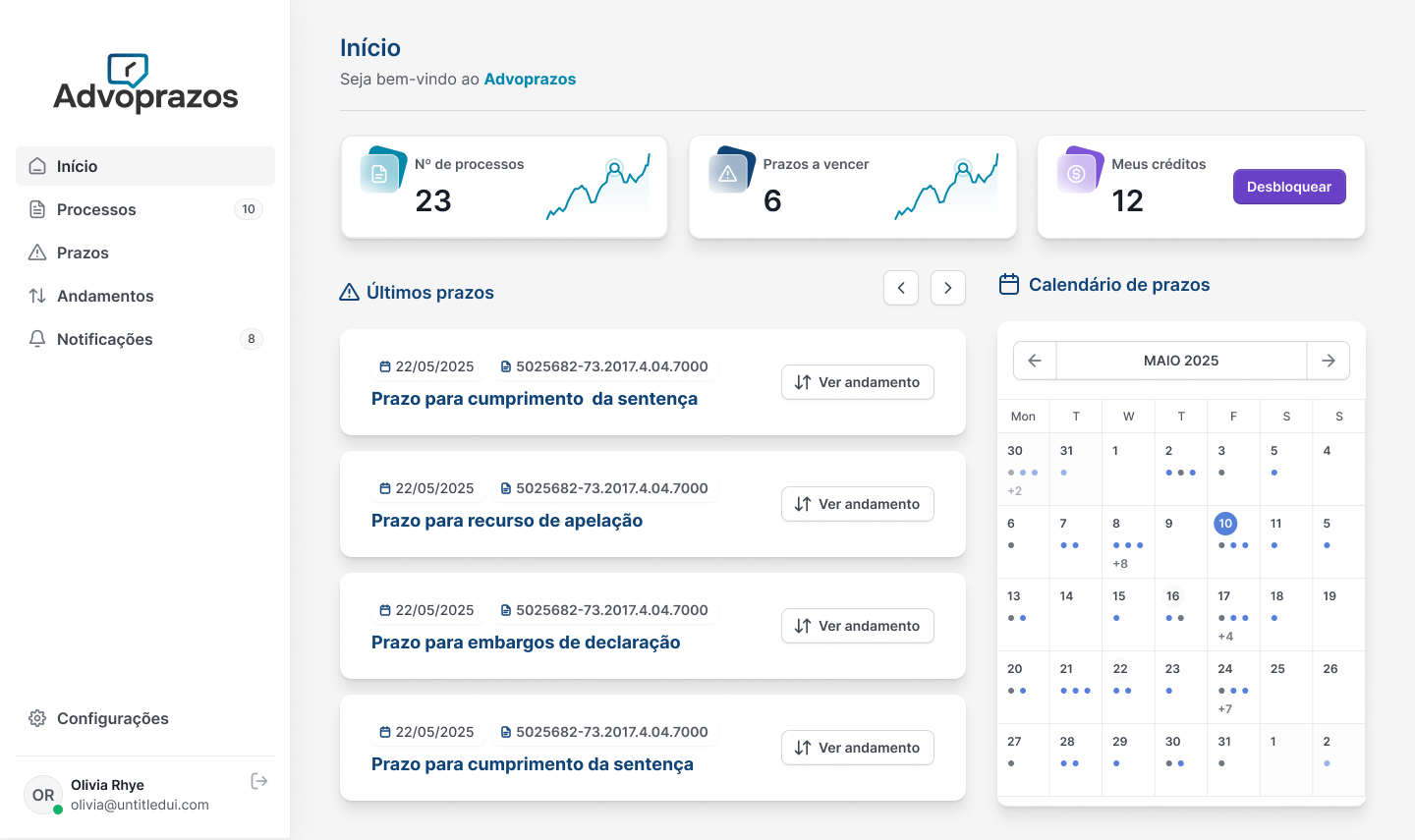
Visual Calendar View: Instead of an endless list, I opted for a monthly calendar that provides a macro, intuitive overview. I used a color-coding system (red for urgent deadlines, orange for upcoming ones) to create a clear visual hierarchy, allowing the user to identify priorities at a glance.
Actionable Deadline List: On the side, a detailed list organizes deadlines by urgency. Each item contains essential information (type of deadline, case, client) and a direct action button to view details, turning visualization into immediate action.
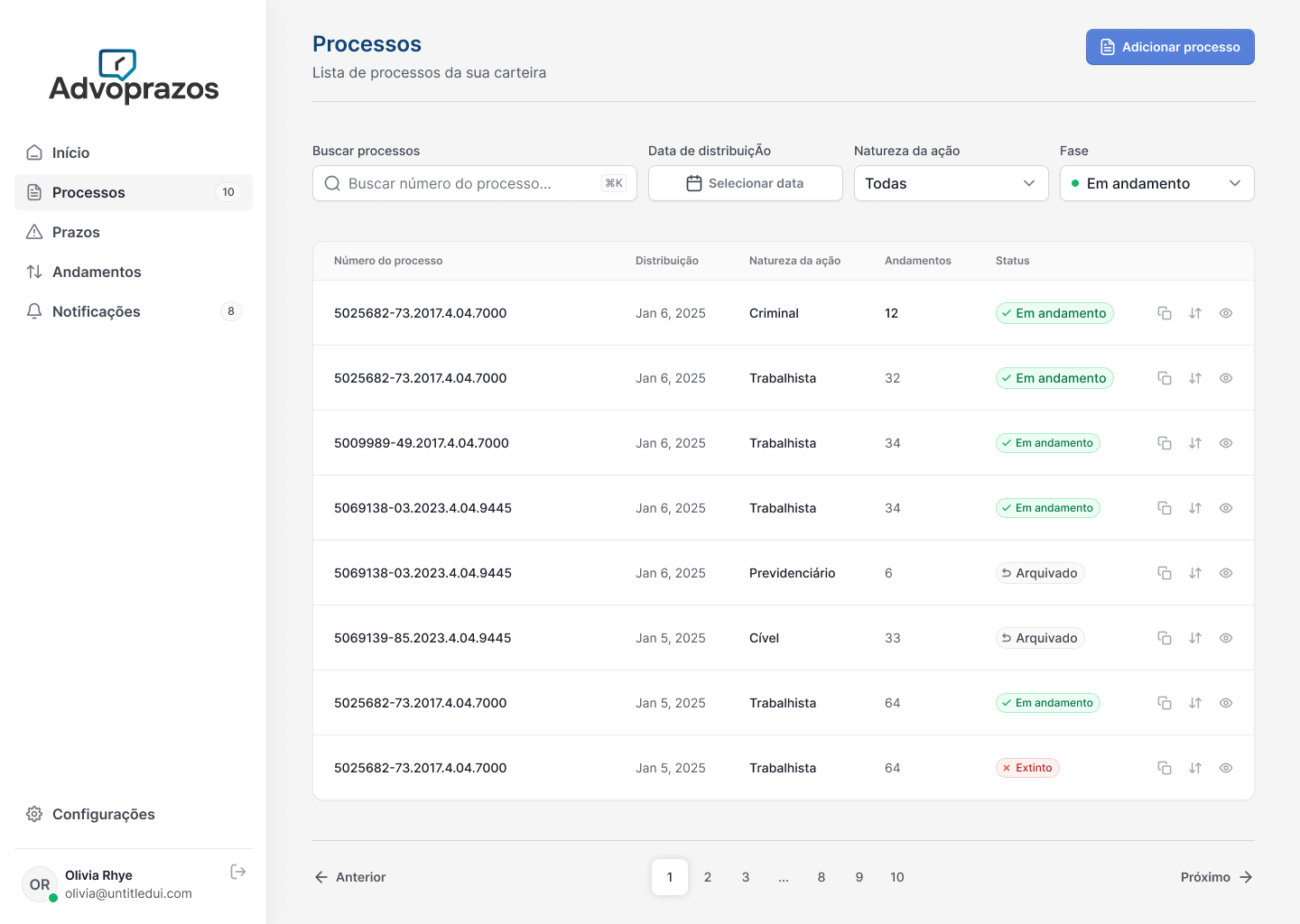
2. Smart Onboarding Flows: Reducing Manual Effort
The process of adding new cases needed to be fast and flexible. I designed two distinct flows to meet different needs:
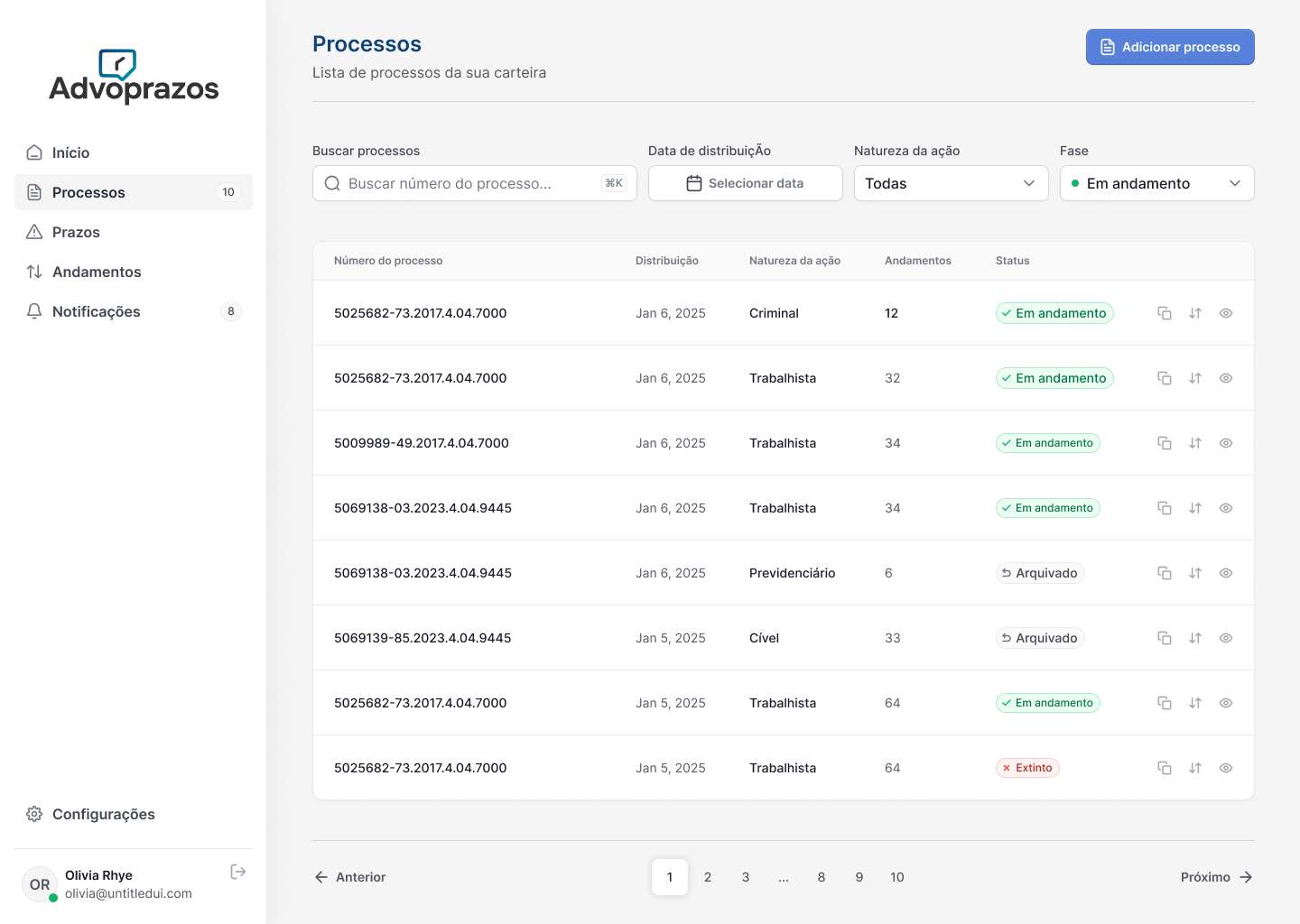
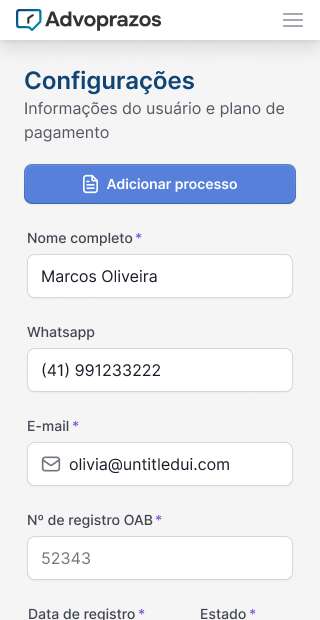
Optimized Manual Entry: To avoid the burden of opening and closing modals for each new case, I designed a carousel tab system. The lawyer can open multiple forms on a single screen, fill them out sequentially, and add them all at once. Field validation occurs in real-time, highlighting errors in red for immediate correction before submission.
Automated Search via Bar Association Number (OAB): To reduce friction as much as possible, I created a flow that automatically searches for cases linked to the lawyer's OAB number. The interface presents a selectable list, and upon proceeding, pre-fills the forms, requiring only the association with the correct client.
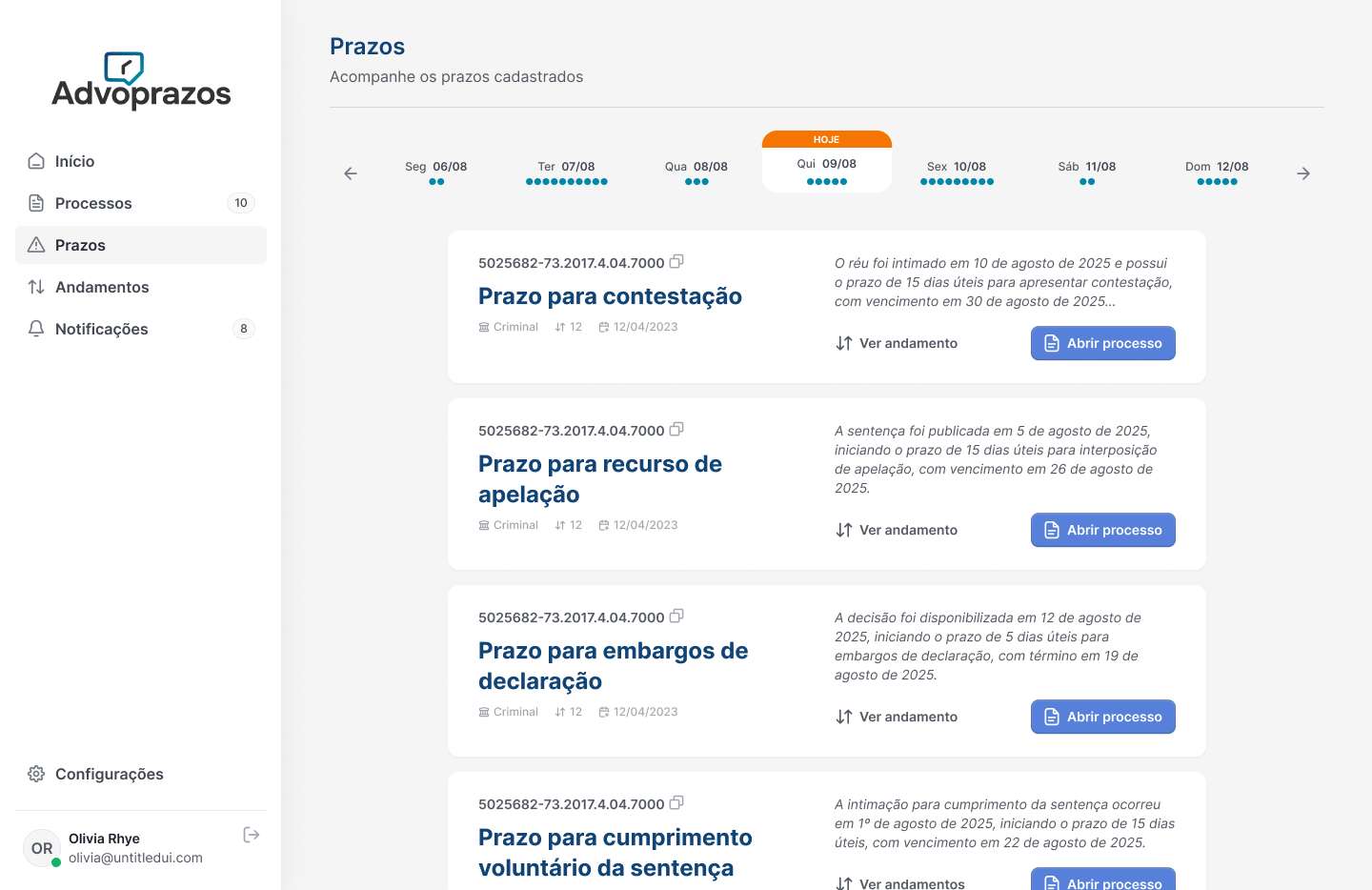
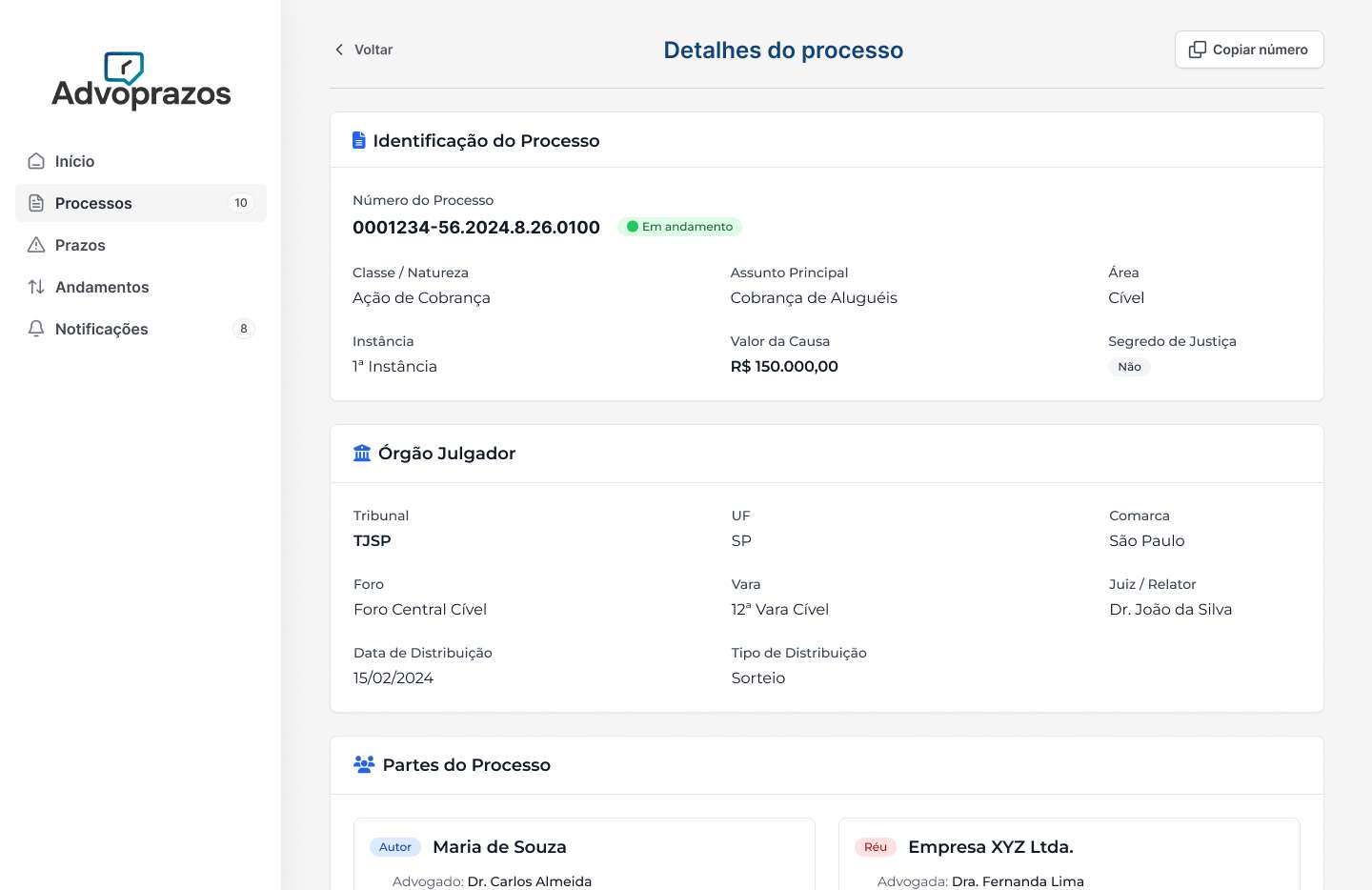
3. Case Timeline and Quick Actions
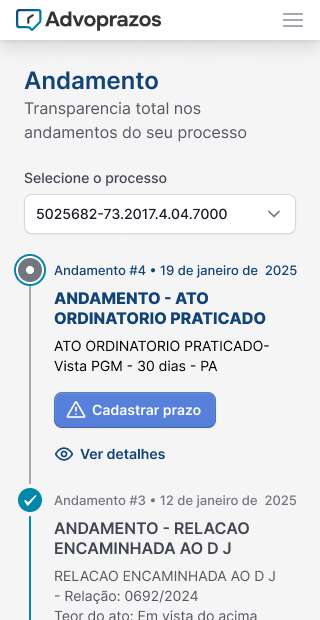
To view a case's history, I designed a modal with a vertical, interactive timeline. Each event (update, deadline) is a point on the timeline, with icons and colors indicating its status (pending, resolved, ignored). Most importantly, for pending steps, action buttons ('Resolved', 'Ignore') are available directly on the step, allowing the lawyer to update the case status without leaving the context.
Outcome and Impact
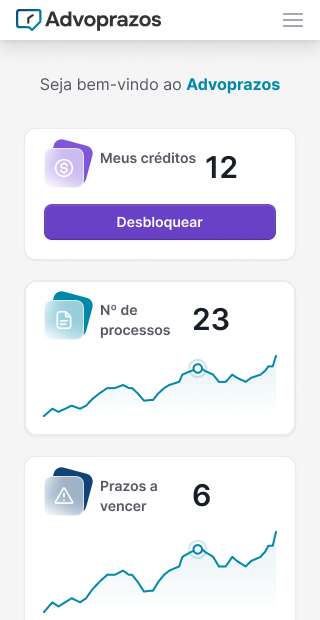
The design of Advoprazo resulted in a cohesive platform that empowers lawyers, transforming a reactive and stressful routine into a proactive and organized workflow.
Clarity and Control: The central dashboard with its calendar and the case timeline provide a 360° view of responsibilities, enabling more effective planning.
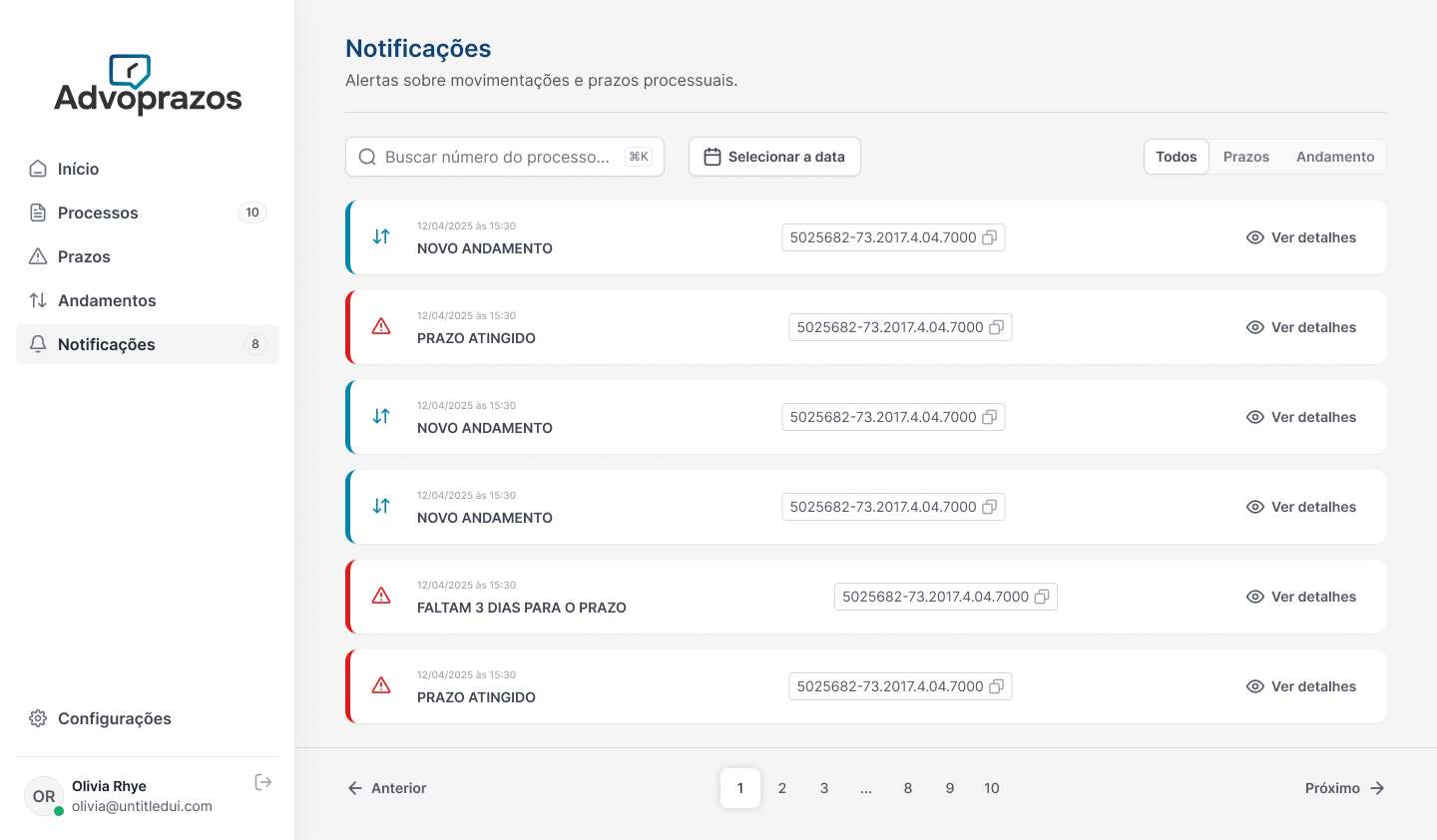
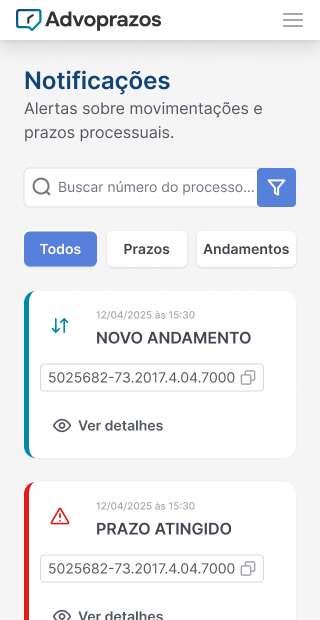
Efficiency and Automation: The smart onboarding flows and automatic notifications via WhatsApp and email drastically reduce the time spent on administrative tasks.
Risk Reduction: By providing real-time notifications of case movements and highlighting urgent deadlines, the platform becomes an essential tool for mitigating the risk of errors and omissions.